
How it works
Post what you need or what to offer

Search & Request
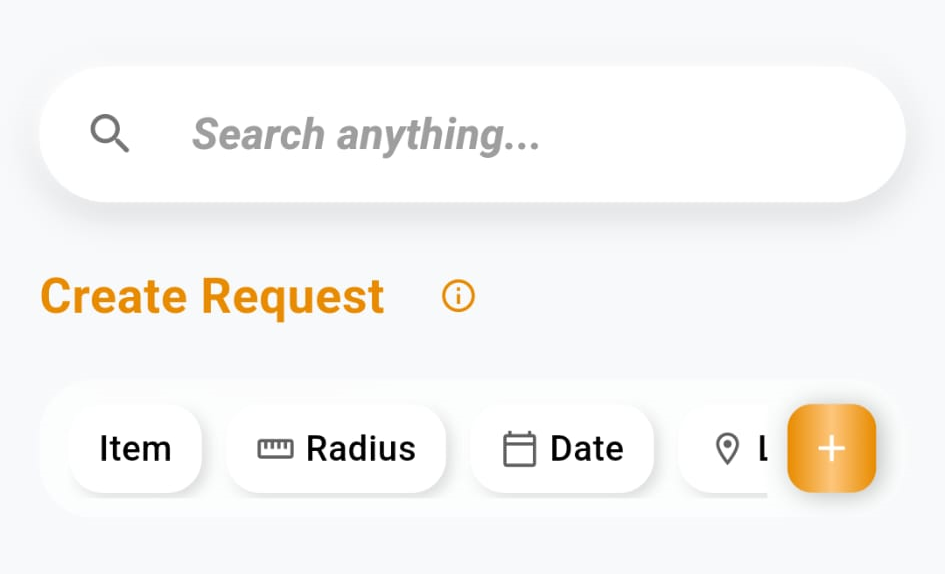
- Enter what you're looking for.
- See results nearby.
- Submit a specific category.
- Choose a radius.
- Select a location or future date.
- Get notified when it becomes available.
Search Item
Request Item
Whether you're searching on the spot or planning ahead — find what you need right now, or let
the system alert you when your requested item shows up nearby. That way, you never miss an
opportunity – even on the go.
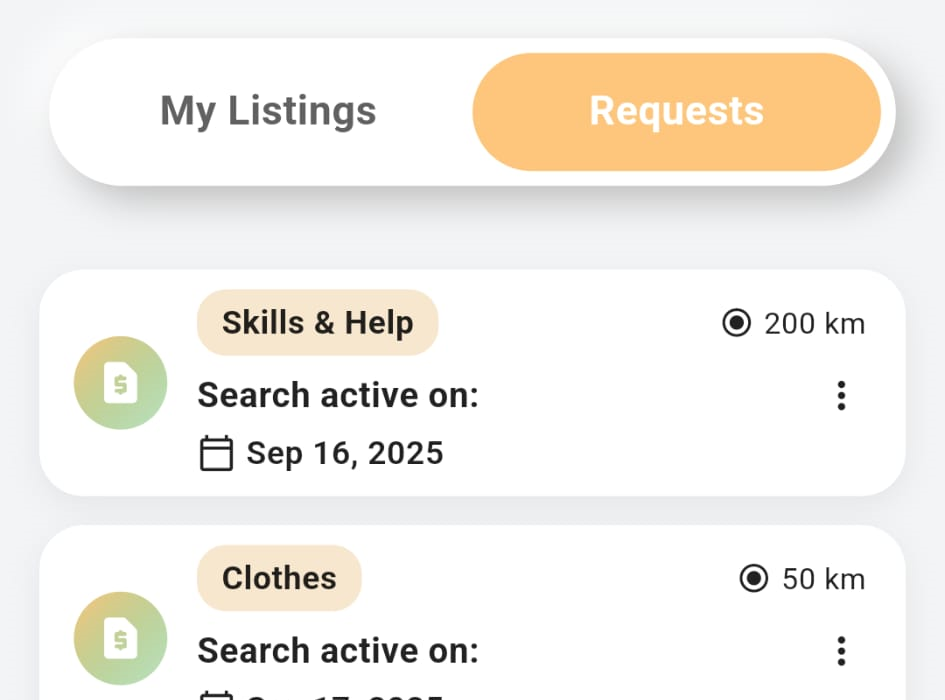
My Requests
Your active requests appear here.
Manage them anytime.
- Edit, pause, or delete requests anytime.
- System checks for matches within your radius.
- Receive instant alerts for nearby matches.
Your requests work quietly in the background — constantly scanning the map for you. That means you can explore freely while Tradel keeps an eye on what you need.
Add Listing
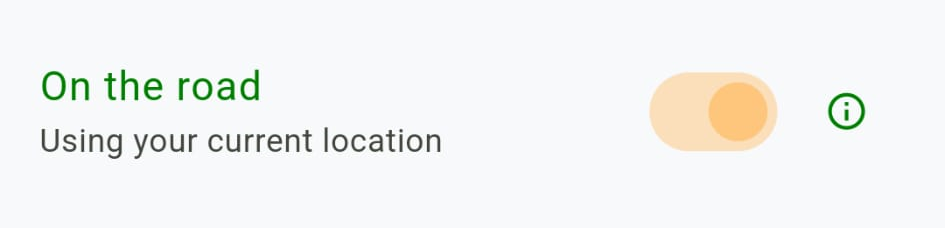
- Toggle On if you want to sell while traveling.
- With this feature, you need to set location permission to "Always".
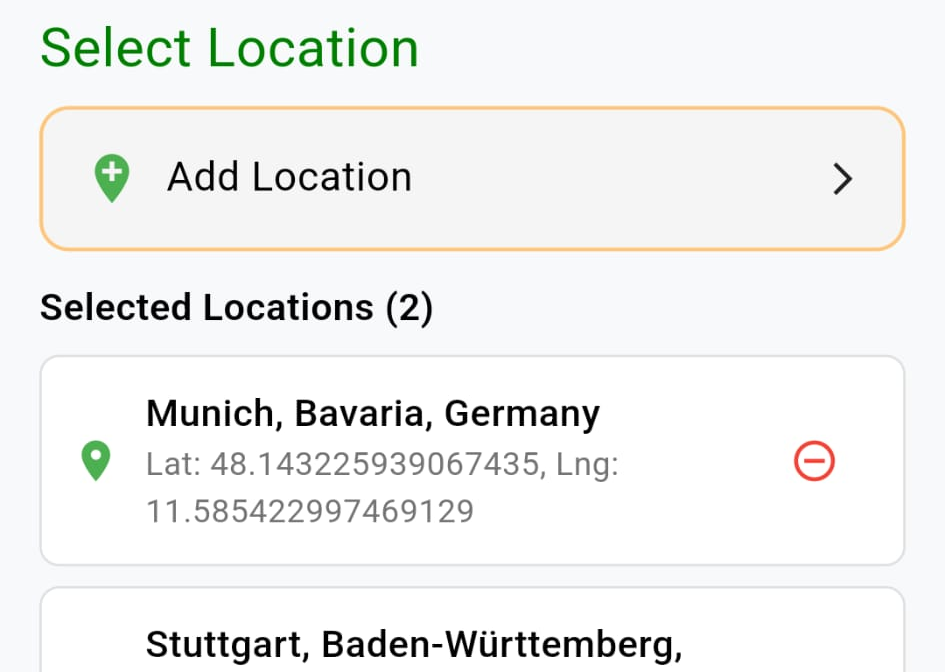
- Add one or multiple locations for a handover.
- We recommend selecting entire regions instead of single cities.
On the Road
Select Location
Your listing becomes available where and when you decide. Leaving a place in three days? Add the handover location and timing now so someone arriving next can find the listing before you move on.